NAME
tmail
A Gmail-inspired inbox for the terminal — keyboard-first, fast to navigate, and backed by Himalaya for mail protocols and credentials. Opensource.
$ tmail
[1]SCREENS
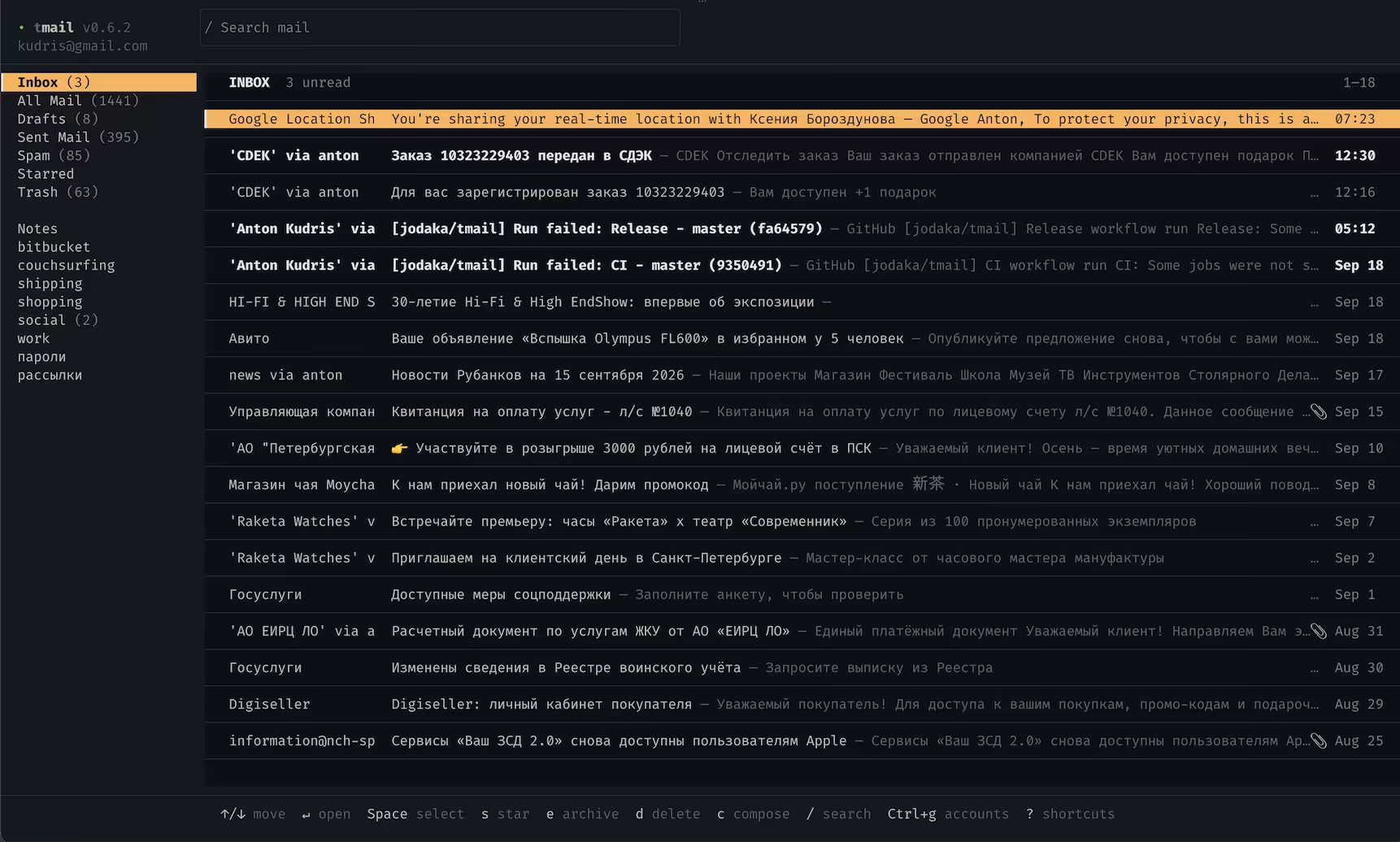
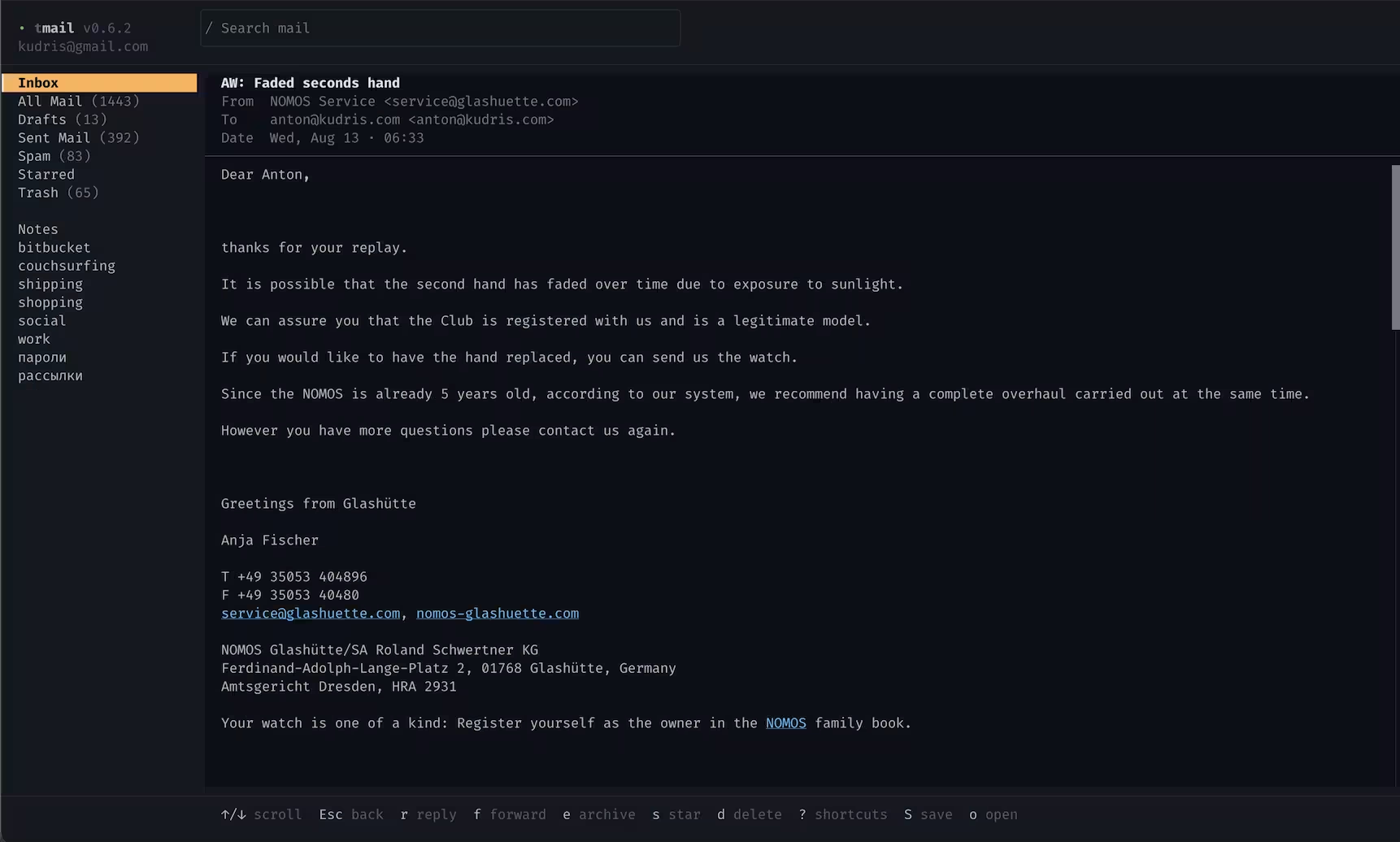
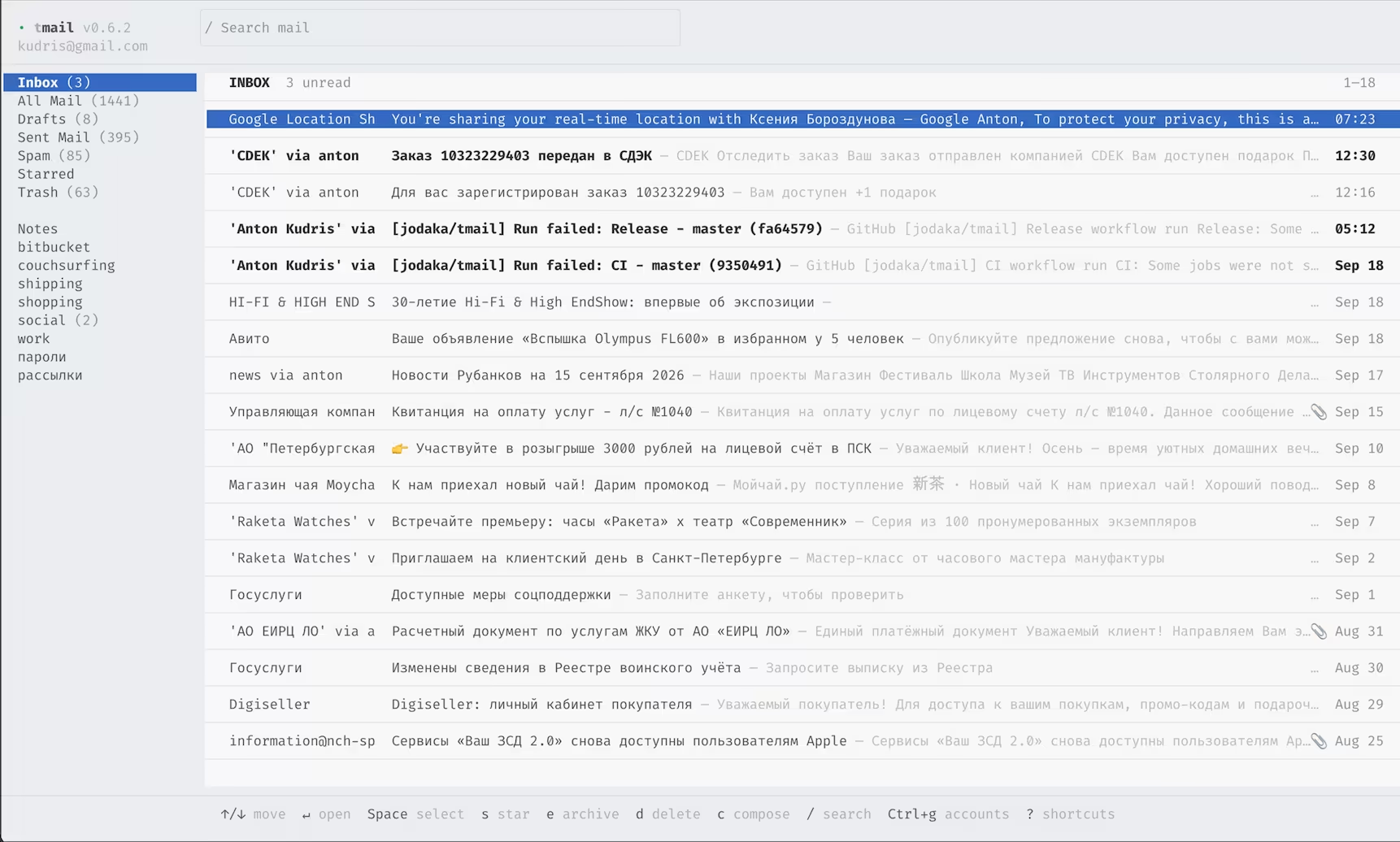
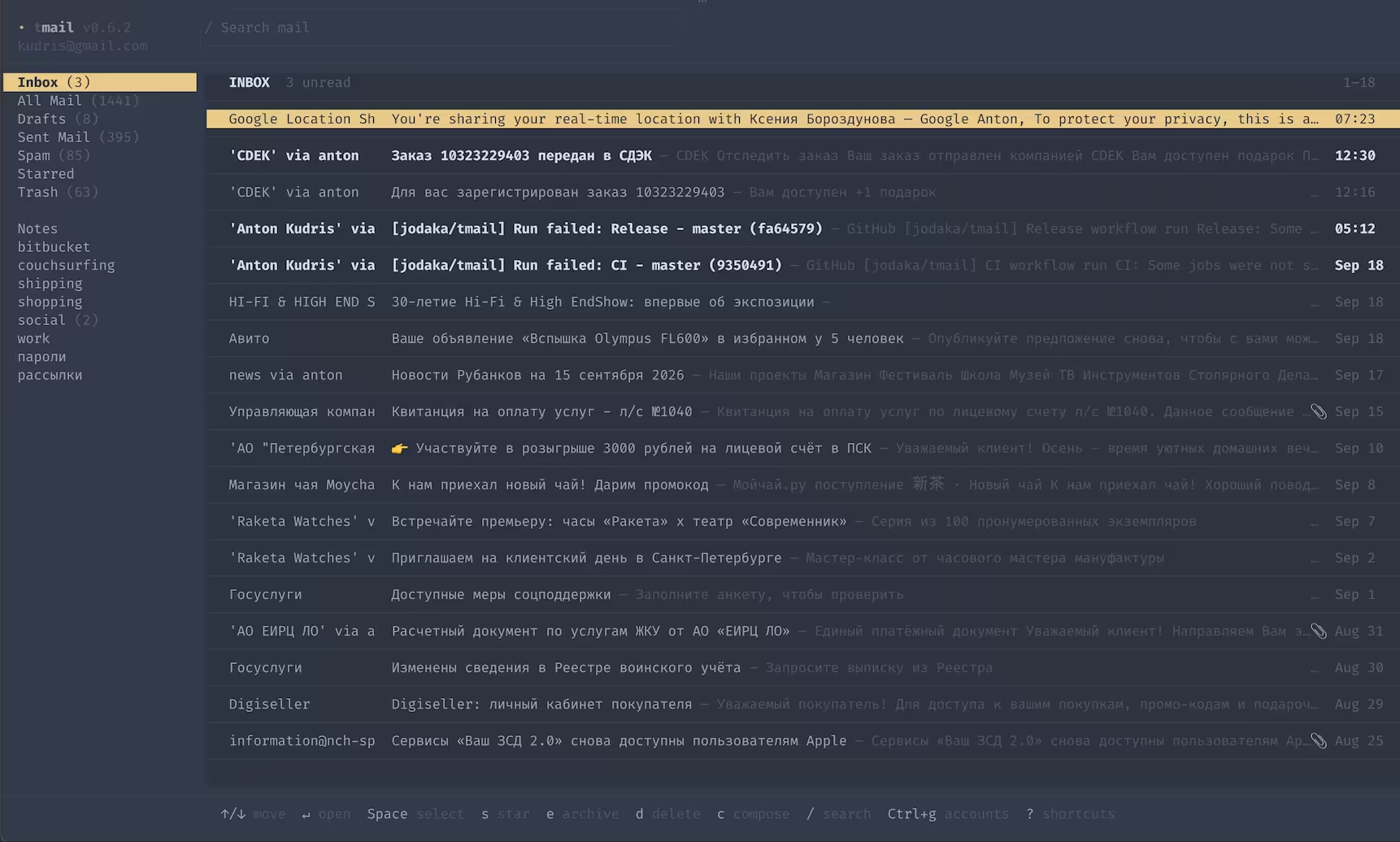
Dark, light, and custom palettes — captures from real TMail sessions, not interface mockups. Pick a theme to preview it.
[2]FEATURES
Built for people who already live in a terminal. No browser tab and no desktop shell — use familiar keyboard rhythms and switch accounts and themes in place.
- Keyboard first
- Navigate, search, read, reply, compose, archive, select in bulk, and more without leaving the keyboard. Mouse support is also present but turned off by default.
- Multiple accounts
- Switch between configured accounts from inside TMail with Ctrl+G.
- Powered by Himalaya
- Mail protocols, accounts, and credentials stay in the proven Himalaya CLI layer.
- Themes at runtime
- Use the built-in themes or define your own.
- Fast warm starts
- A small per-account on-disk cache lets previously loaded mail appear immediately while fresh data loads in the background (cache can be disabled).
- Built-in or external editor
-
The built-in composer is the default, but you can use any other editor you want via
$EDITOR.
[3]KEYBINDINGS
Move, search, compose, reply, switch accounts, and open your editor — no mouse required. Best of all — you can fully reconfigure all keybindings to suit your needs
- ↑↓ / jk
- move between messages
- /
- search mail
- c
- compose a new message
- r
- reply to the open message
- Ctrl+G
- switch between accounts
- Ctrl+E
- edit the draft in your external editor
[4]INSTALLATION
Download a binary for your platform or use Homebrew on mac. If you do not have a config yet, TMail starts its account setup flow automatically.
$ brew tap jodaka/tap https://github.com/jodaka/homebrew-tap
$ brew install jodaka/tap/tmail
$ tmail[5]FILES
TMail reads its own settings from the same TOML file Himalaya uses for accounts —
~/.config/himalaya/config.toml. Keep the defaults, or opt into mouse
support, notifications, themes, custom keybindings or a bunch of other settings.
[tmail]
mouse = true
notifications = "on" // off by default
view_mode = "compact"

[tmail.theme]
name = "light"

[tmail.composer]
editor = "$EDITOR"[6]SEE ALSO
- github.com/jodaka/tmail — source and issues
- github.com/jodaka/tmail/tree/master/docs — documentation
Open source. Built in Rust. Ready for your inbox.